About this Target
Deezer has historically described a -15 LUFS normalization target, but it is not a current public delivery requirement.
Deezer has historically described approximately -15 LUFS for normalized playback while noting that the behavior could change. Treat -15 LUFS Integrated and -1 dBTP as a legacy comparison reference, not a submission rule. A shared streaming master may reasonably use a different artistic loudness and be adjusted during playback.
Reference type: Legacy working reference
Guide: Loudness Leveler
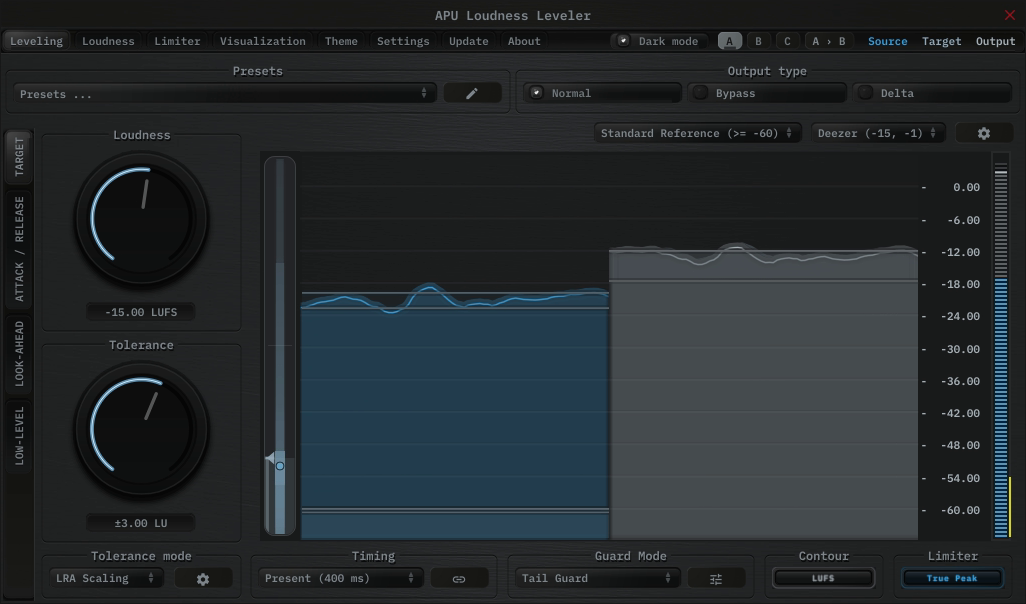
Load the Mastering - Deezer Reference (Stereo) preset from the Purpose category. After the other settings are final, run Compensation Learn over the complete program to lock the final correction.
Adjust Target Tolerance for the amount of movement you want around -15 LUFS, then use the built-in limiter for the -1 dBTP ceiling.
Guide: Loudness Compressor
Workflow:
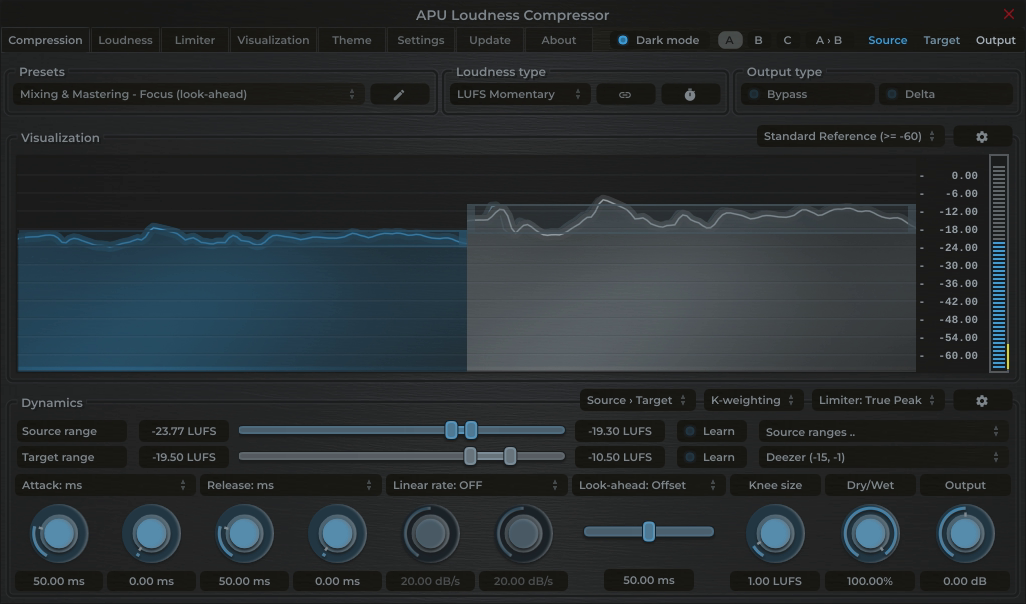
1. Load the Mastering - Deezer Reference (Stereo) preset from the Purpose category.
2. To have the compression range follow your material, use Source Range Learn while playing the complete program.
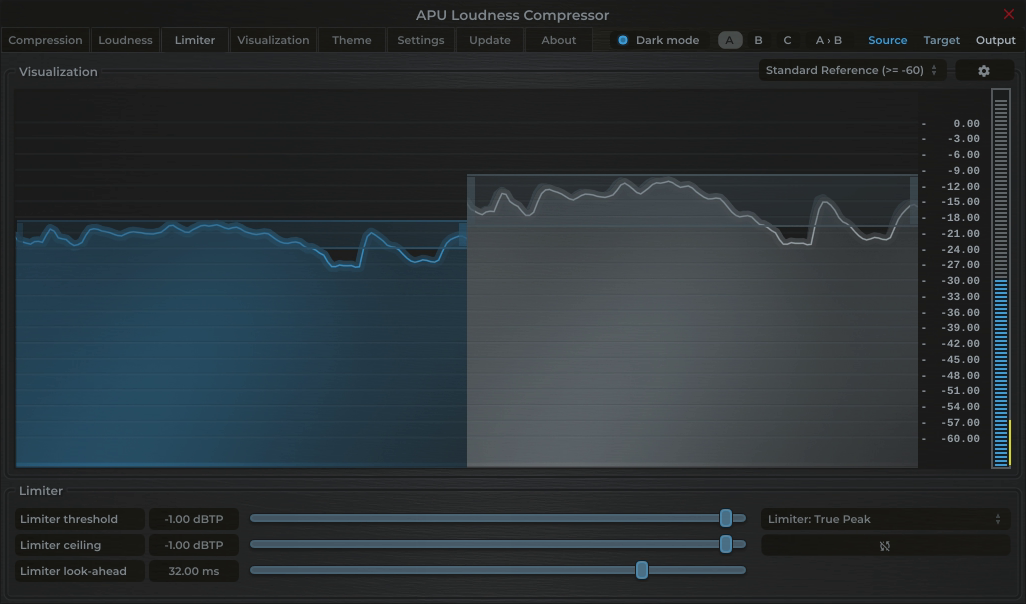
3. After the other settings are final, run Compensation Learn in the Limiter tab over the complete program.
Guide: Loudness Limiter
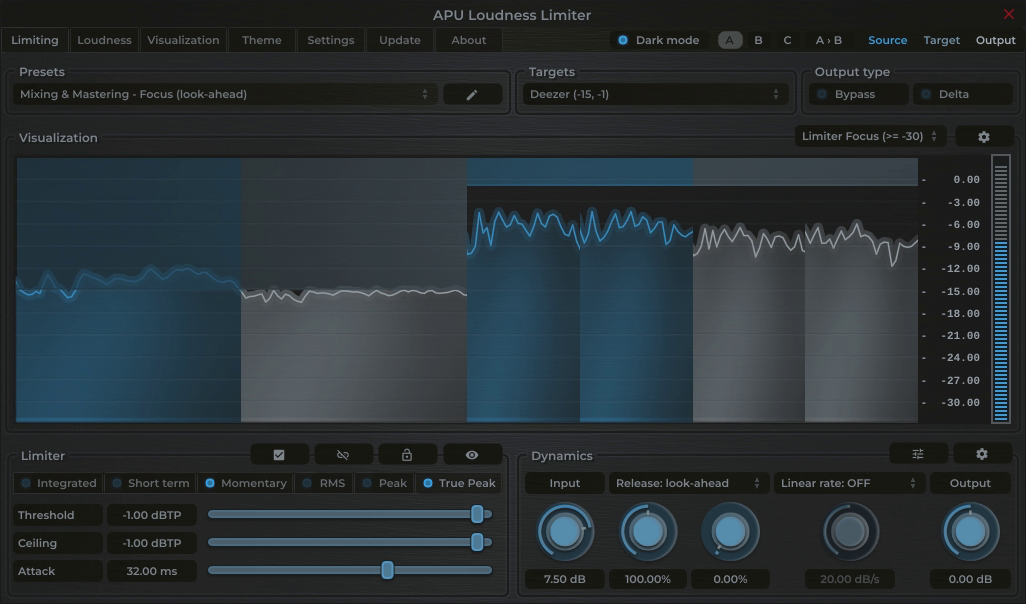
Load the Mastering - Deezer Reference Ceiling (Stereo) preset from the Purpose category. It configures both ceilings. After the other settings are final, run Compensation Learn over the complete program.
Guide: Dynamics Optimizer
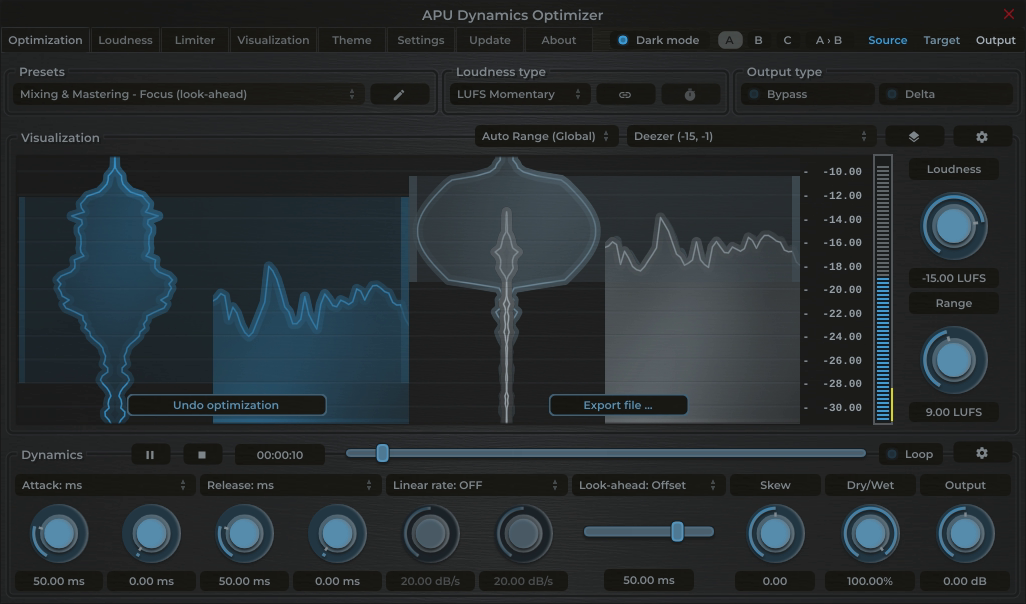
Load the Mastering - Deezer Reference (Stereo) preset from the Purpose category, open the complete file, then analyze and optimize it. Review the result, then measure the exported file before delivery.
Metering for Deezer
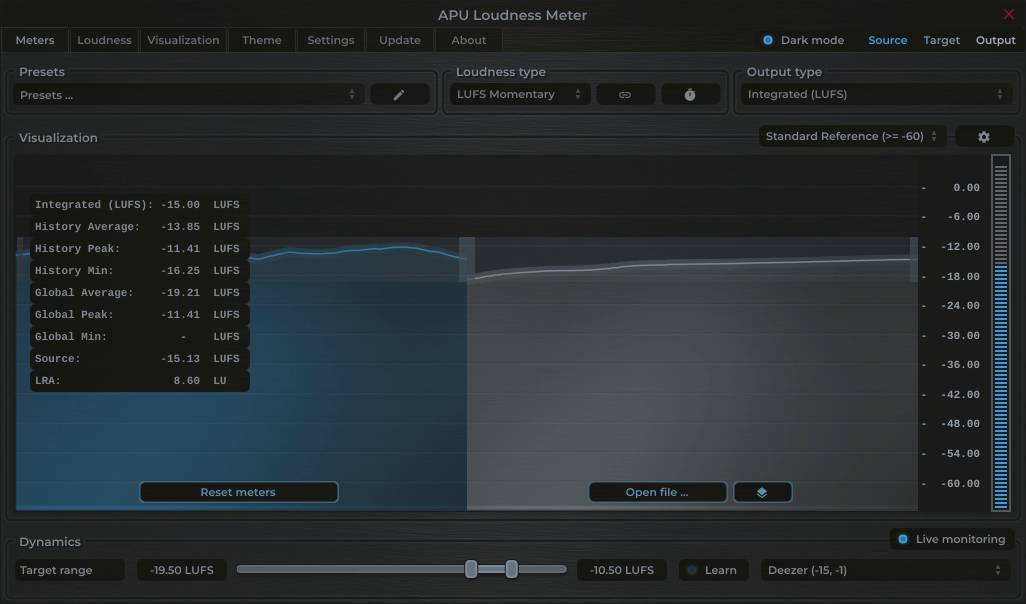
Measure complete-track Integrated LUFS and linked Maximum True Peak. Use the result to predict relative playback adjustment, not to certify delivery or force an artistic master to one exact number.
Load the QC - Deezer Reference (Stereo) preset from the Purpose category. It configures the target range, True Peak threshold, Short-term history, and Integrated output for this reference.
Sources
Platform behavior and delivery requirements can change. Check the linked source and the destination's current specification before final delivery.