APU Software
Audio Processing Units
APU Software is a small company creating innovative audio tools.
Which loudness tool should I use?
The tools share measurements and a similar interface, but suit different ways of working.
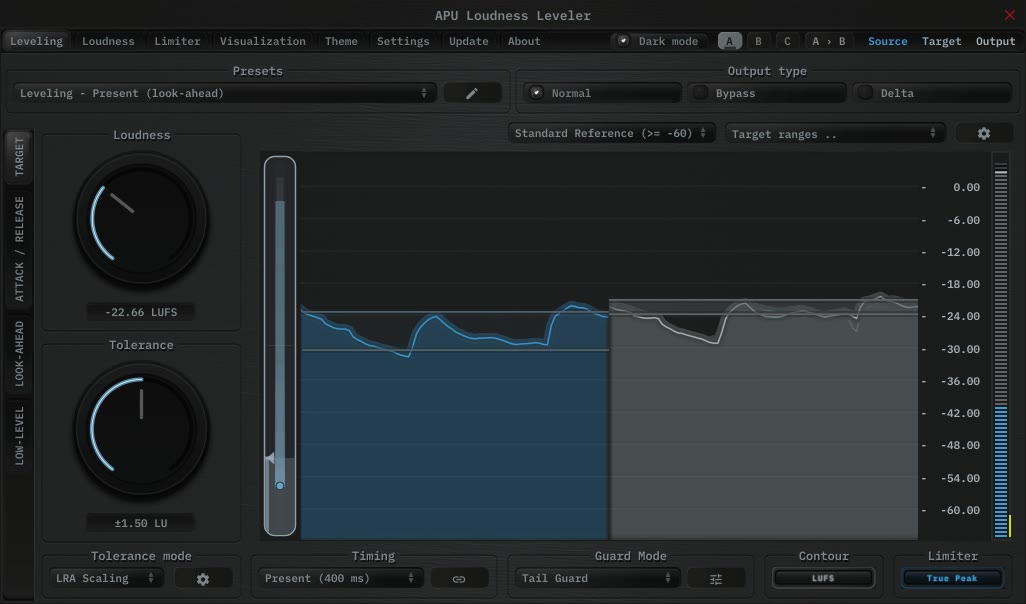
- Leveler
- Keep a vocal or spoken recording at a steadier level.
Set a target and let it ride the gain as the level changes.
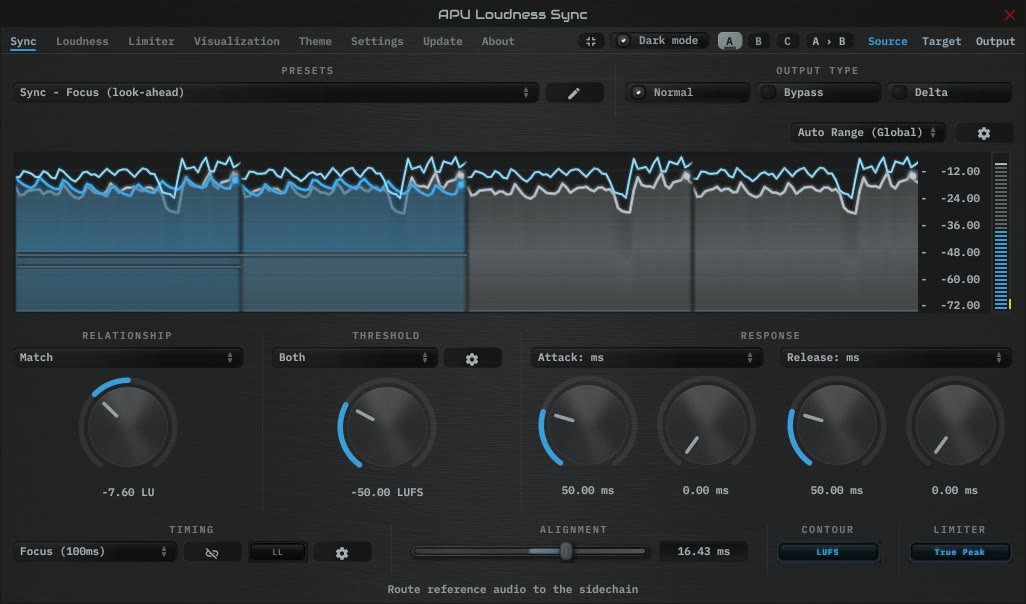
- Sync
- Make one track's loudness follow another.
Route a reference into the sidechain, then match it, stay below it, or stay above it by an offset.
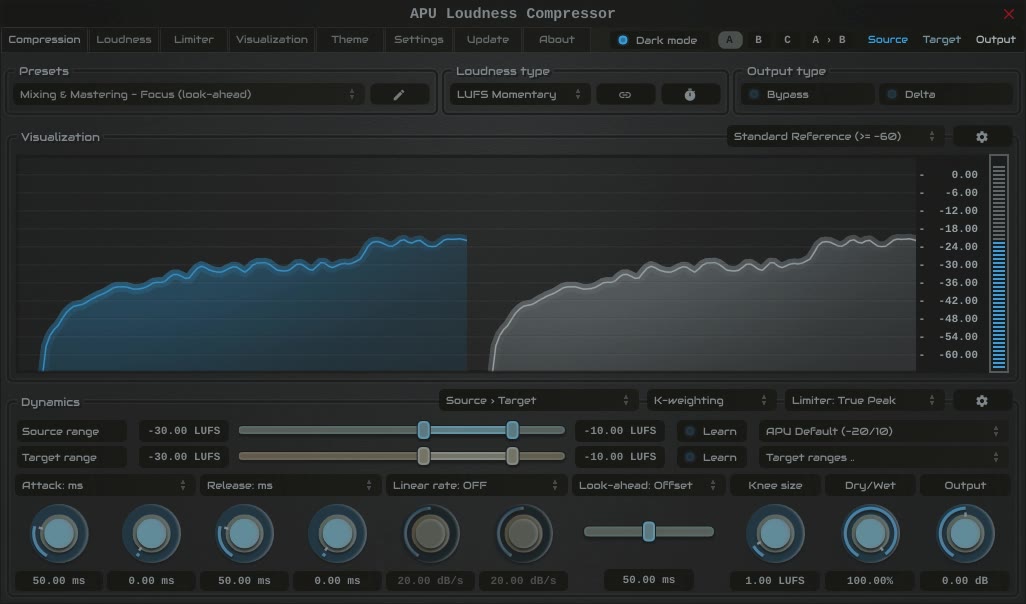
- Compressor
- Shape the dynamics of a vocal, bass part, or mix.
Choose how compression or expansion responds, using loudness or peak detection.
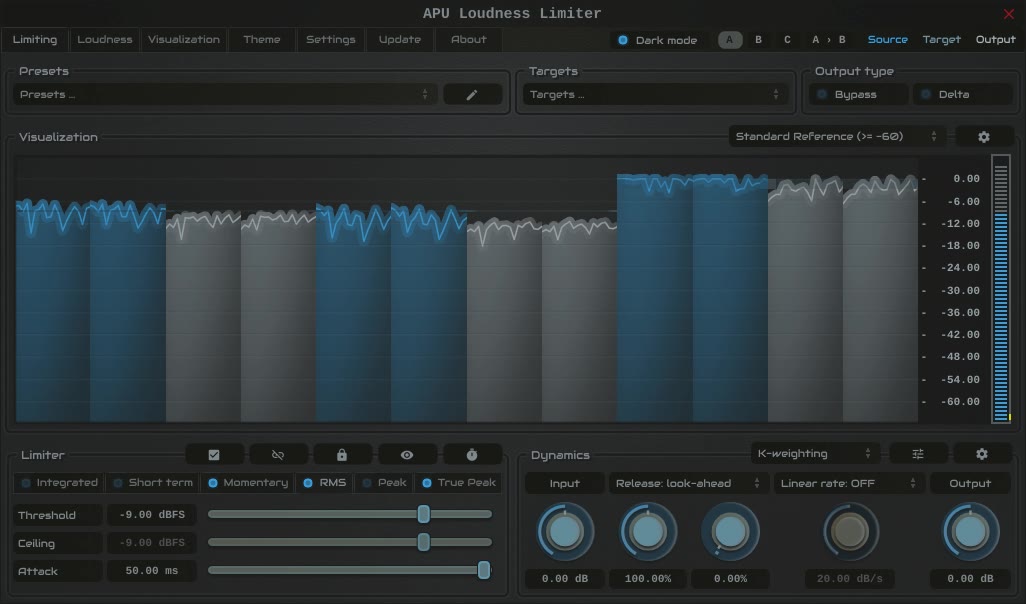
- Limiter
- Limit output loudness and catch peaks.
Set separate limits for loudness and peaks, with control over the gain response.
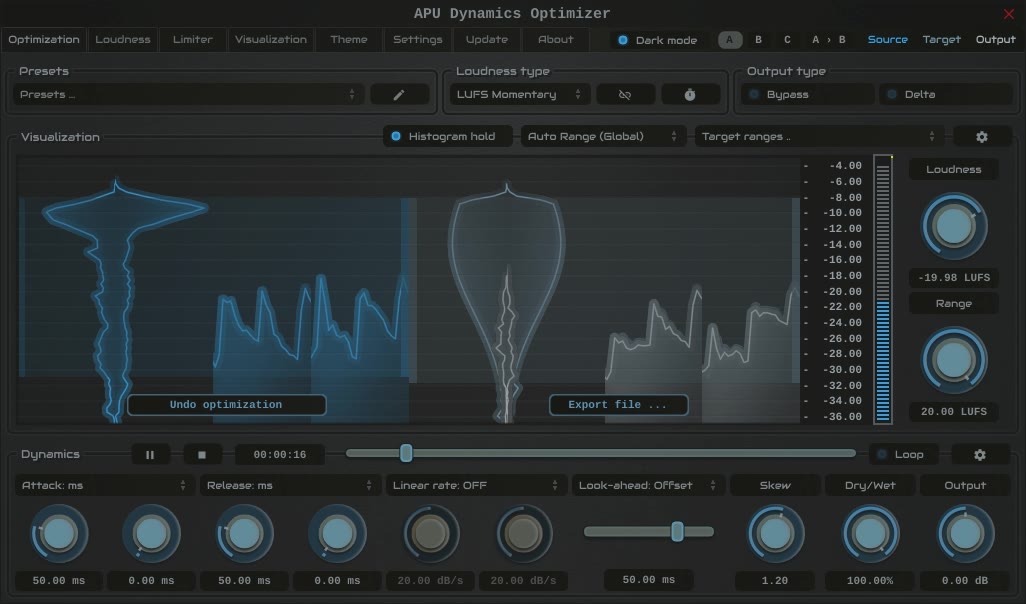
- Optimizer
- Adjust the dynamics of a complete recording.
Analyze the file, reshape its loudness range, then listen and export.
Compressor, Leveler, and Optimizer already include peak limiting. The separate Limiter is for more detailed control over loudness and peak limits.