APU Software

APU Loudness Leveler

Real-time target loudness leveling NEW

APU Loudness Leveler is a real-time volume leveler/rider designed to keep audio within your target loudness range in real-time. Set a target loudness, choose a tolerance, and the leveler continuously applies gain correction to keep dialog, vocals, podcasts, streams, or program material hovering around the level you want.

The Leveler is designed to be “set it and forget it” for real-time loudness control. Configurable timing modes cover fast momentary riding, slower short-term correction, and a traditional RMS mode.

Guard modes, sidechain control, predictive low-latency operation, detector EQ, and built-in limiting provide plenty of tools to keep the leveler working smoothly in a wide range of real-world scenarios.

Learnable gain correction helps tighten final average or integrated loudness on representative renders, while secondary target zones let sidechain and low-level behavior move toward a different loudness range when the material calls for it.

Note: Existing customers can apply their loyalty discount at the cart page.
System requirements: macOS 10.14 (x64, ARM), Windows 10 (x86, x64), OpenGL 3.2.
Supported software formats: Standalone application, VST, AU, AAX (Pro Tools 11+).
Timing Modes

The timing mode parameter selects the leveler’s detector family and response character, while channel-link decides whether those measurements are computed per-channel or across the full linked signal. The following timing modes are available:

Focus

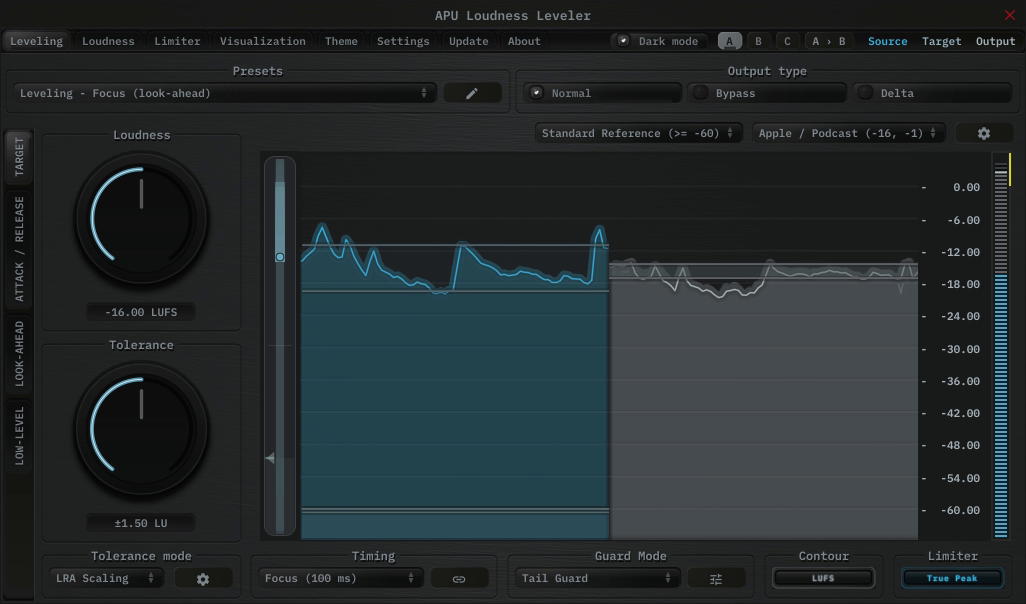
Focus uses a tight 100ms LUFS window for quick gain riding and immediate correction. It is the fastest timing mode and tends to work best when you’d like a more assertive, in-your-face character that reacts to every phrase-level variation.

Focus Timing Mode

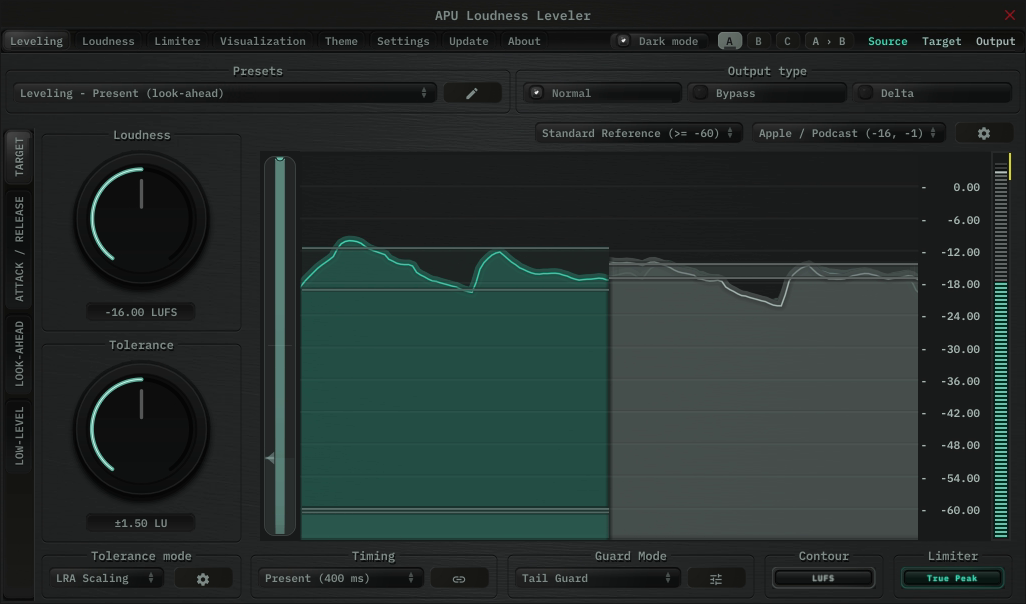
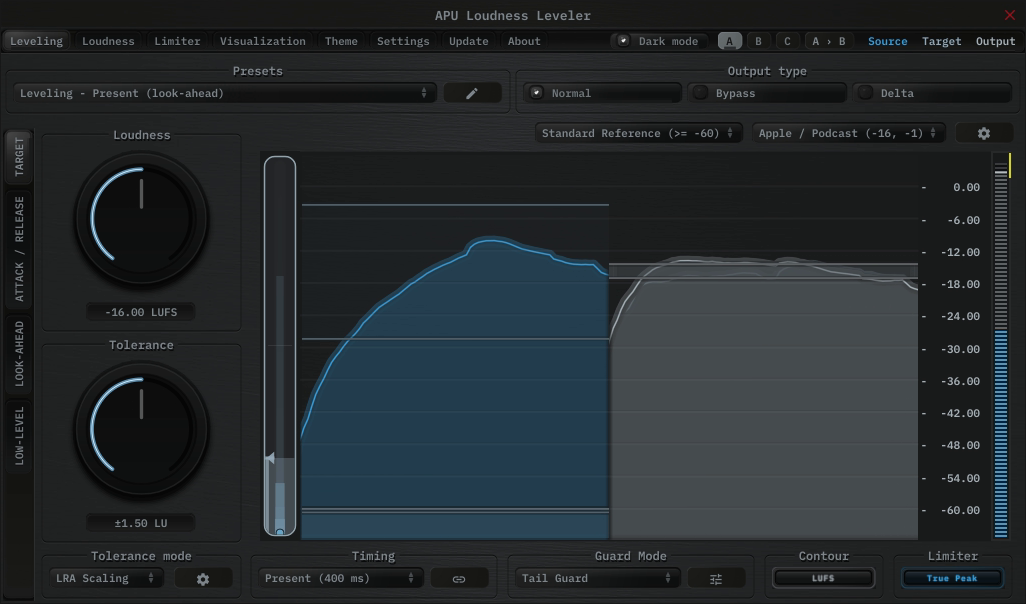
Present

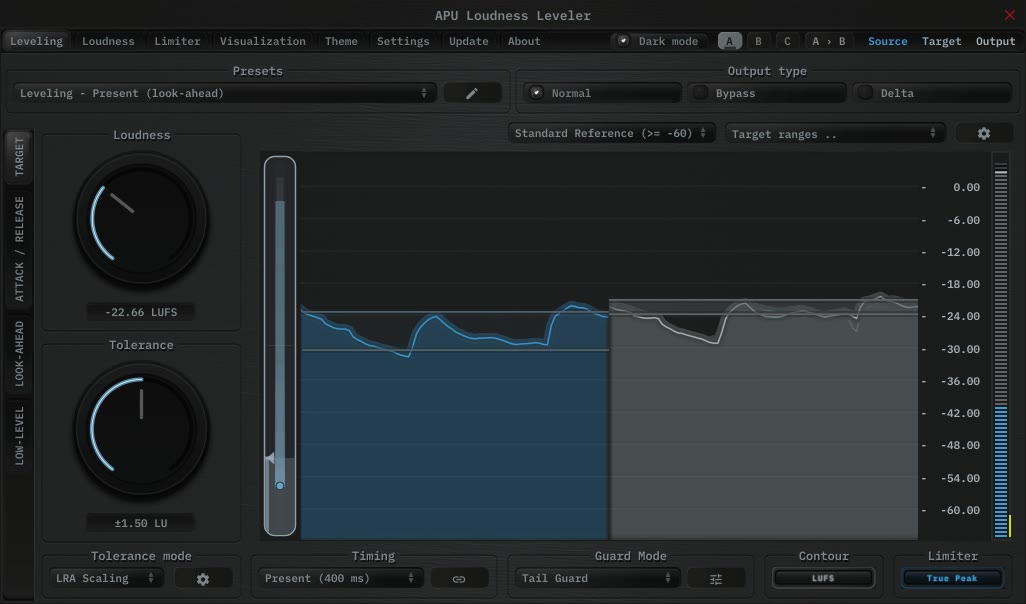
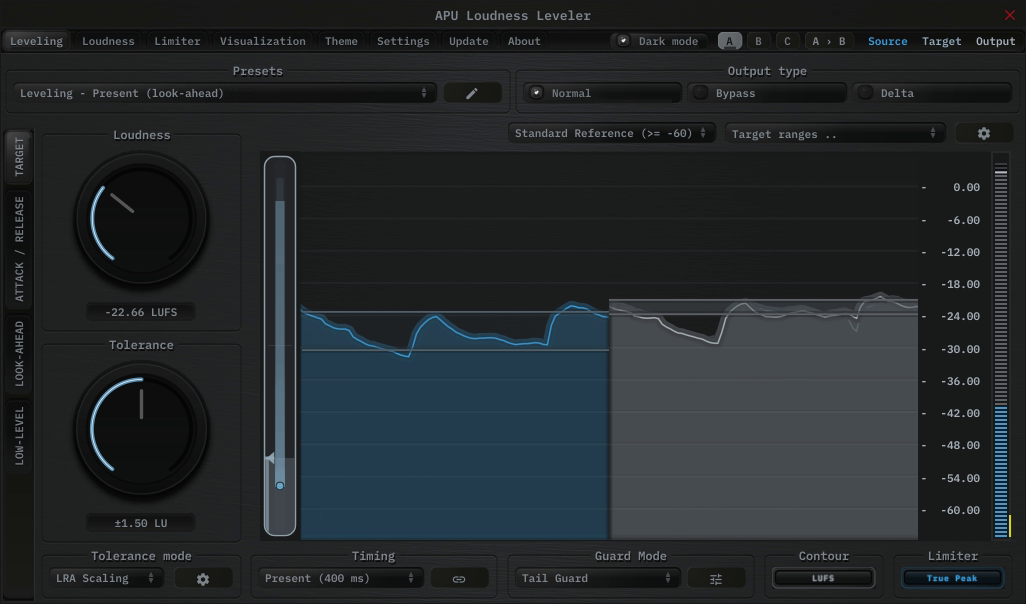
Present uses an LUFS-standard 400ms momentary window for smoother general-purpose leveling. This is often the most natural starting point when you want transparent correction without the tighter, more assertive feel of Focus. It’s generally a great balance between responsiveness and smoothness for a wide range of material.

Present Timing Mode

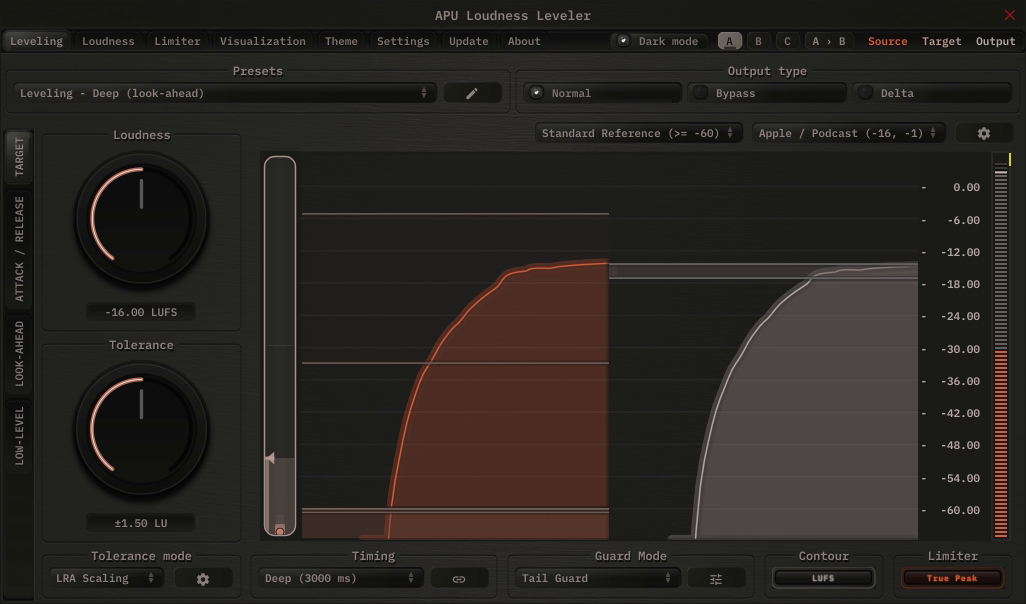
Deep

Deep uses a 3 second short-term LUFS window. This is useful when you want the leveler to follow the broader contour of the material instead of reacting to every small phrase-level variation. It works well when the goal is large-scale consistency rather than fast riding. This longer window duration is naturally resistant to pumping and breathing artifacts, making it a good choice for music and program material that benefits from more transparent long-term correction.

Deep Timing Mode

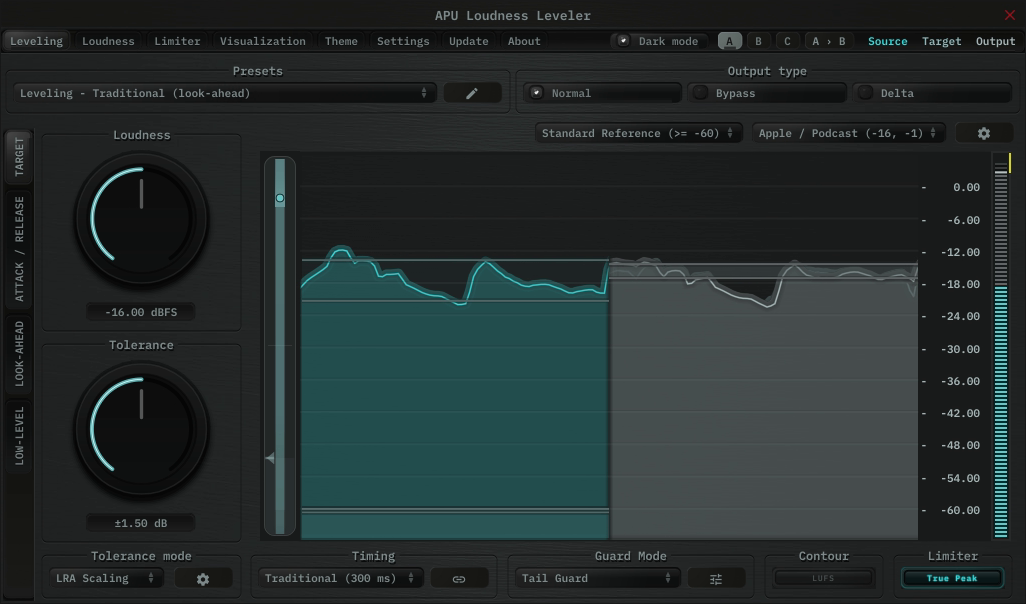
Traditional

Traditional uses a 300ms RMS detector. This gives the leveler a more classic dynamics character, closer to conventional level riding behavior than LUFS-based processing. If you want something more “classic” and less explicitly standards-oriented, Traditional mode is the obvious choice.

Traditional Timing Mode

Channel Link decides whether all channels share the same correction or whether each channel is leveled independently. Linked operation preserves the stereo or surround image, while split operation can correct imbalances between channels.


Back to top

Leveling Controls

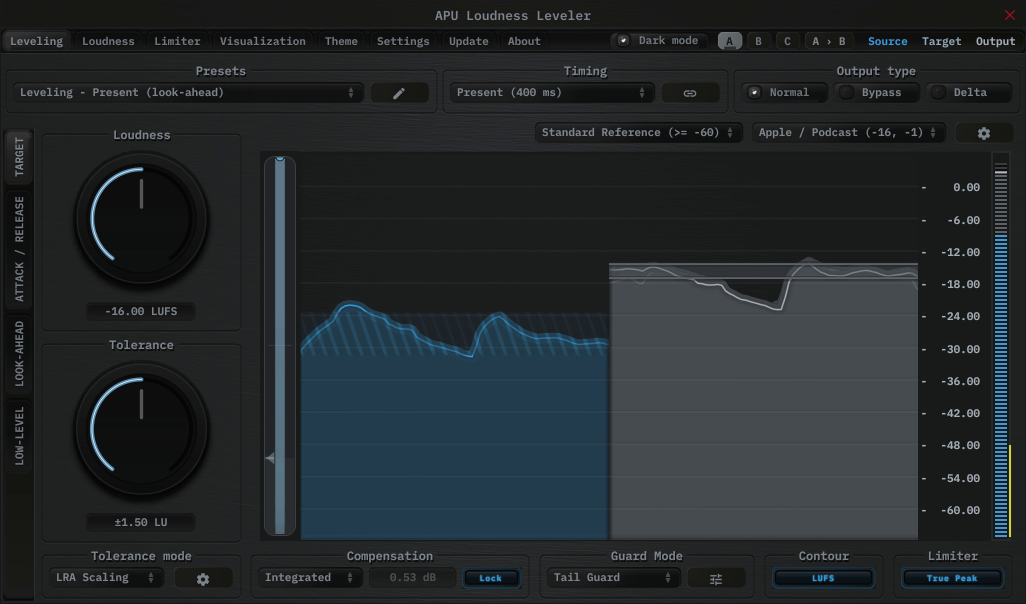
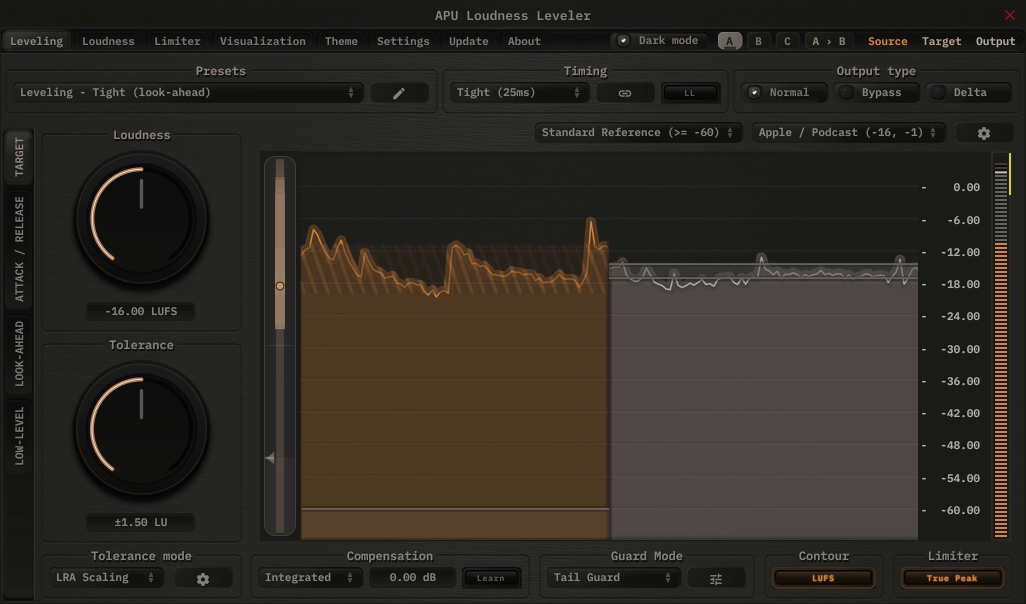
The main Leveling tab is built around a target loudness and target tolerance. Once the signal drifts outside the allowed zone, the leveler moves it back toward target using the configured response, gain limits, and guard behavior.

Leveling Controls

  • Tolerance modes let you choose whether the target zone behaves like a dead zone, an LRA-aware scaling region, or an LRA-based adaptive mechanism.
  • Guard modes keep the leveler from boosting into tails or cutting into transients by holding gain correction outside the percentile threshold(s).
  • Sidechain modes can engage, disengage, or directly drive the leveler from an external signal.
  • Low-level handling can keep leveling active, bypass it below threshold, or gate low-level material so ambience and noise are not over-amplified.
  • Max cut / max boost bounds keep the correction practical when the source gets too loud or too quiet.
  • Standard timing modes use real look-ahead, while the low-latency variants use predictive virtual look-ahead to approximate the same behavior without adding delay.


Back to top

Gain Correction

Gain correction is designed for final-pass precision. Choose Average or Integrated, run a representative pass with learning enabled, then lock the learned correction for normal playback, export, or delivery.

Gain Correction

The stored correction is a global dB offset added on top of the normal rolling Leveler behavior. It does not replace the target, tolerance, timing, guard, or limiter controls; it simply lets the Leveler compensate for a consistent offset once you know how the full program lands.

  • Average learns from the mean output loudness over the render.
  • Integrated learns from integrated output loudness, making it useful for LUFS delivery workflows.
  • Learn / Lock / Reset keeps the workflow quick: learn during a pass, lock the current value, or clear it back to 0.00 dB.


Back to top

Dual Targets

Dual targets give the Leveler a shared secondary loudness and tolerance zone for cases where one target is not enough. The primary target remains the normal operating range, while the secondary target can take over or blend in for sidechain-triggered and low-level behavior.

Dual Targets

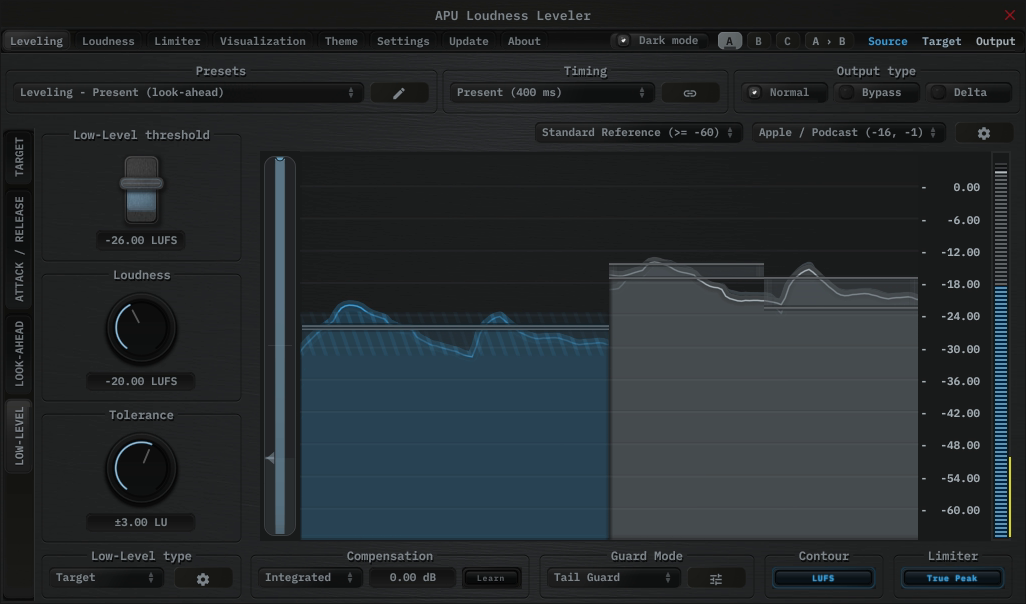
In sidechain Engage Trg and Disengage Trg modes, the Leveler switches or blends between the primary and secondary target zones around the sidechain threshold and knee. In Low-Level Target mode, quiet material below the low-level threshold can blend toward the secondary zone instead of holding, bypassing, gating, or continuing to chase the primary target.

  • Use a tighter primary target for foreground material and a looser or lower secondary target for transitions, beds, or externally driven sections.
  • The secondary loudness and tolerance controls are shared by the sidechain target modes and Low-Level Target mode.
  • The active target zone is shown in the visualization, so you can see which range the Leveler is currently following.


Back to top

Alternate Weighting

For the LUFS-based timing modes, the leveler also supports alternate weighting curves in addition to standard K-weighting. These curves change the detector’s frequency response, which changes what the leveler considers important enough to correct. This can be useful when you want the loudness tracking to follow perceived harshness, vocal presence, or full-range energy differently from the default LUFS contour.

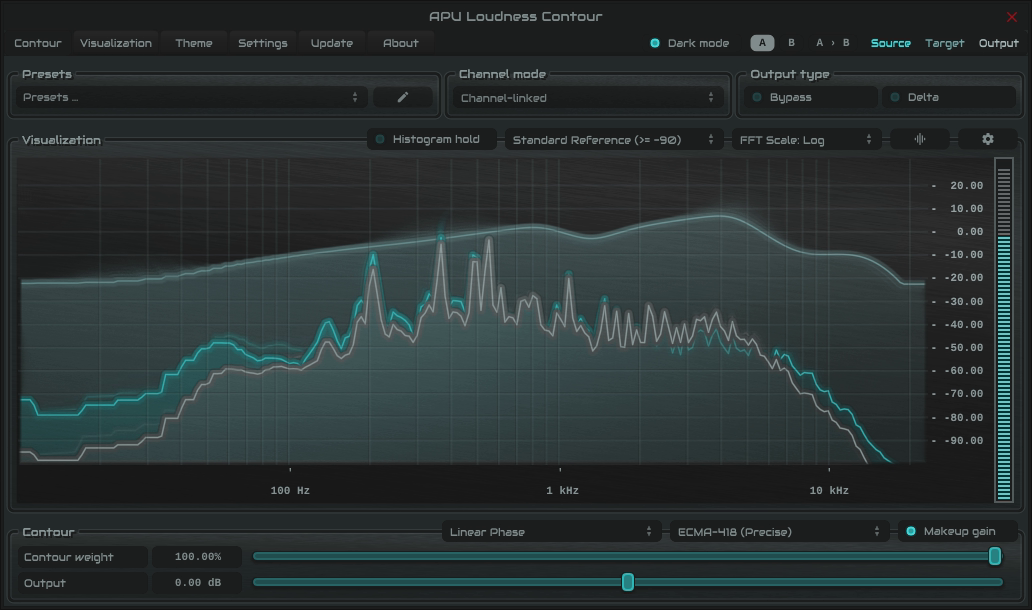
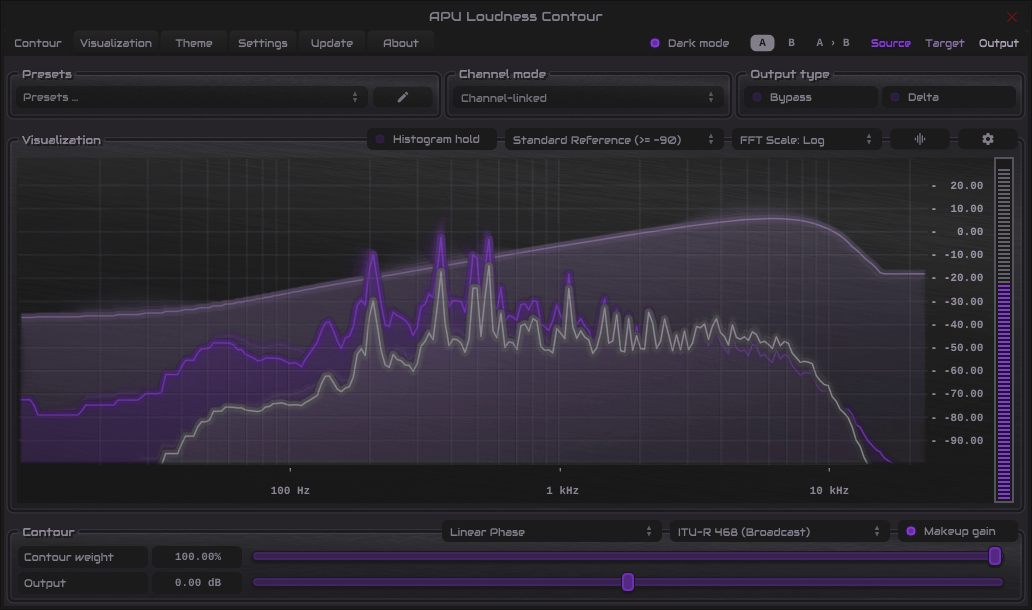
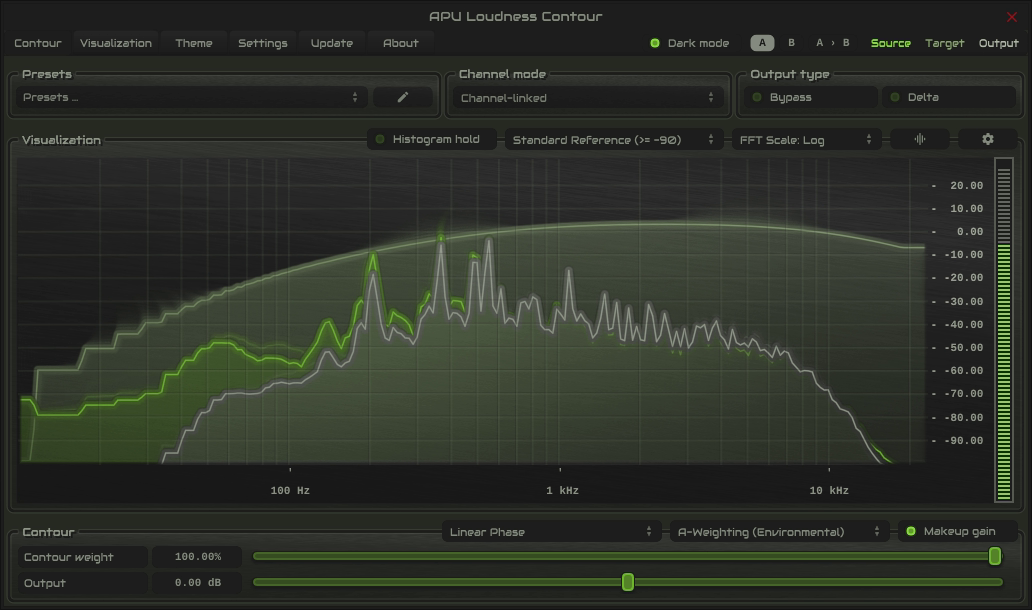
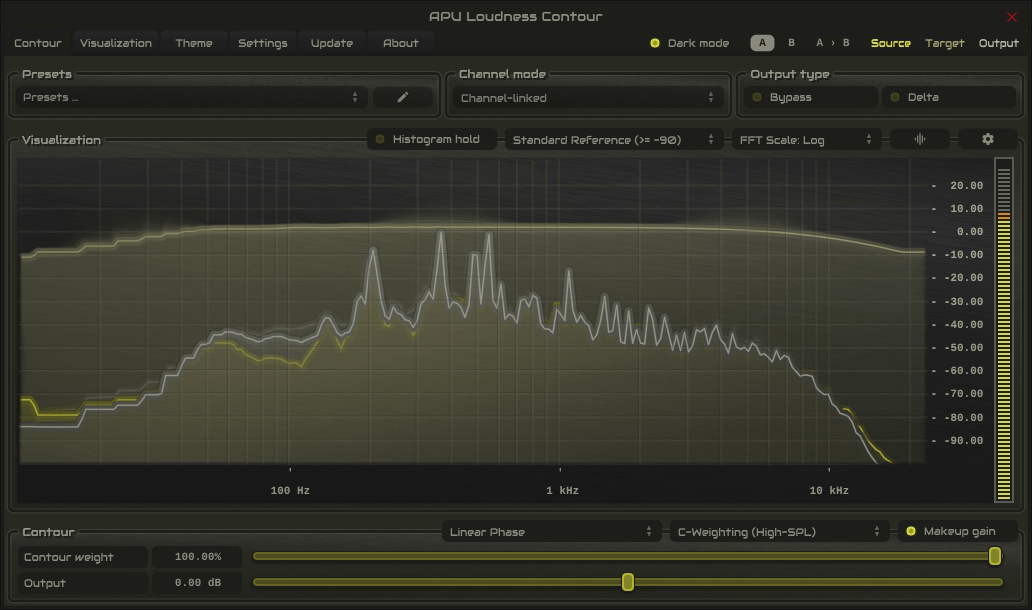
The screenshots below are courtesy of the Loudness Contour plug-in, which allows visualization of the frequency response of each contour type. In the leveler, these weighting types are implemented as zero-latency IIR filters, so they can be used in real time.

ECMA-418

ECMA-418 is a modern perceptual weighting standard based on contemporary psychoacoustic research. In practice, it can make the leveler’s corrections line up more closely with what actually sounds louder rather than what simply measures louder on a raw electrical basis.

ECMA-418

ITU-R 468

ITU-R 468 emphasizes the upper midrange and presence region, making the detector much more sensitive to harshness, sibilance, and noisy mid-high content. That can be useful when you want the leveler to back off more quickly on material that feels aggressive before it simply looks loud on a broad-band meter.

ITU-R 468

A-weighting

A-weighting reduces low-frequency influence and emphasizes the mid-range. This can help the leveler stay focused on the part of the spectrum where speech, vocals, and presence often live, rather than being pulled around by sub or low-end buildup.

A-weighting

C-weighting

C-weighting is much flatter than A-weighting and keeps more low-frequency energy in play. If you want bass and full-range program weight to influence the detector more strongly, C-weighting is the more natural option.

C-weighting


Back to top

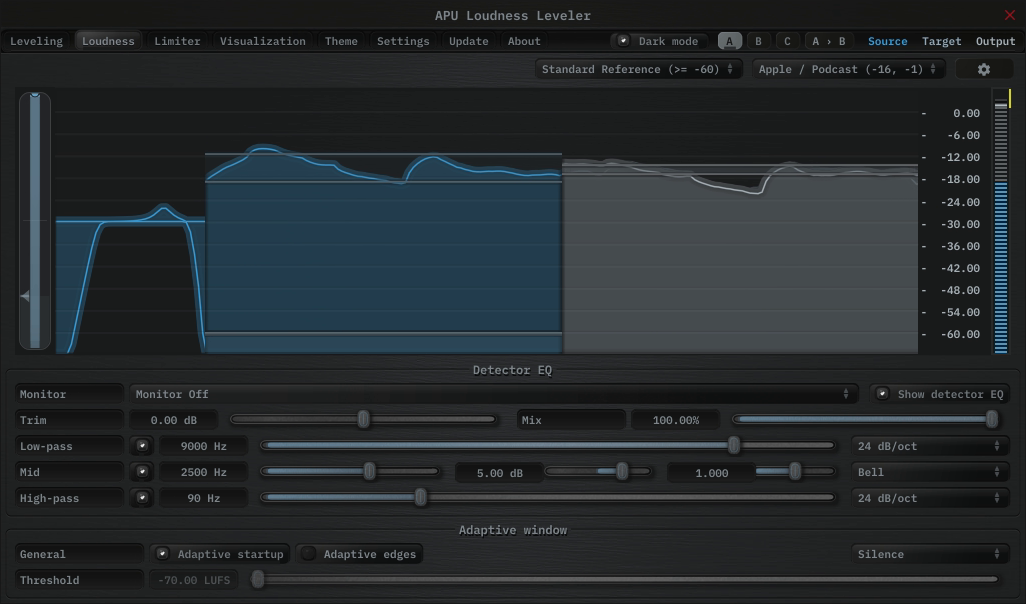
Detector EQ

The leveler includes a detector EQ that shapes the signal used for loudness detection without changing the audible output directly. Use it to make the leveler pay more attention to sibilance, presence, or transients - or less attention to low-end rumble and proximity buildup.

Note: Detector EQ affects detection only. The audible output is unchanged unless detector EQ monitor is enabled.

  • Low-pass and high-pass filters with selectable slopes
  • Parametric mid band with bell, shelf, or band-pass shapes
  • Trim and mix controls for gain and blend
  • Monitor modes to audition the detector path

Detector EQ


Back to top

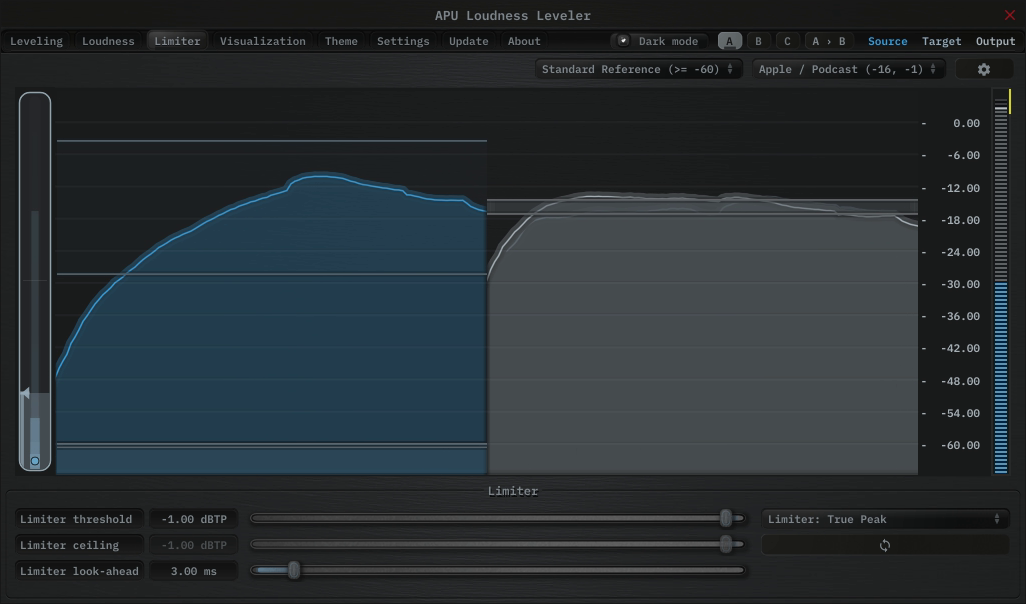
Limiter

The leveler includes a built-in limiter for peak containment after the loudness-tracking stage. The limiter scans its look-ahead region for peak or true-peak excursions and adjusts the current gain trajectory to keep the output inside the configured ceiling.

Limiter


Back to top

Credits

This software was developed by APU Software, LLC and is available as VST (windows x64/x86, macOS universal), Audio Unit (macOS universal), Pro Tools (windows x64/x86, macOS universal), or Standalone Application. The software libraries below are utilized for portions of the software:

Demo video song credits:

  • Titan Sound - Technology Flow, licensed via PremiumBeat.

VST compatible ASIO compatible


Back to top