APU Software

Loudness Compressor

Shape dynamics with loudness-based compression

Sale price $30.00 one-time · Regular price $40.00

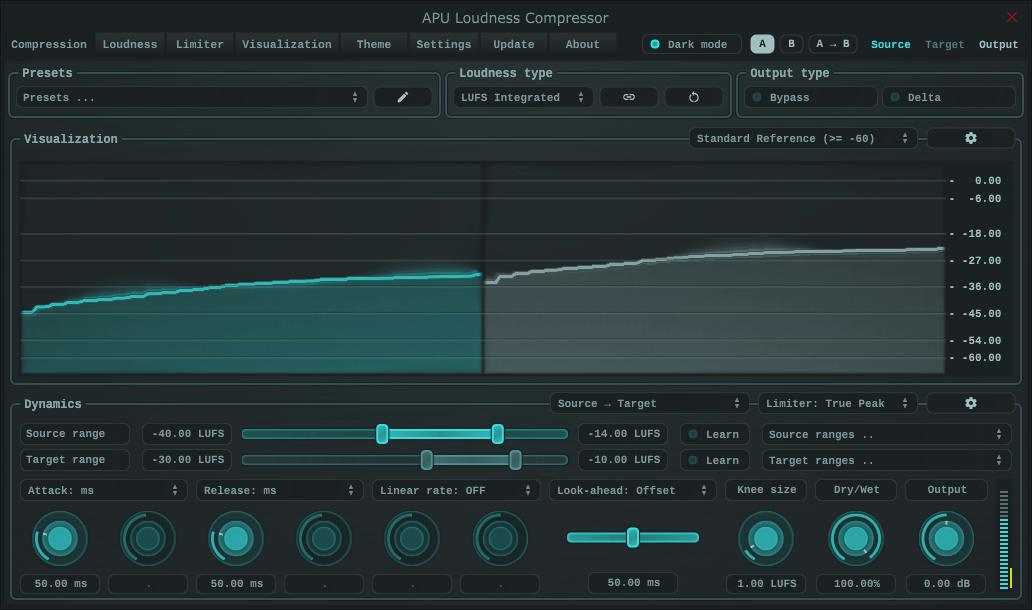
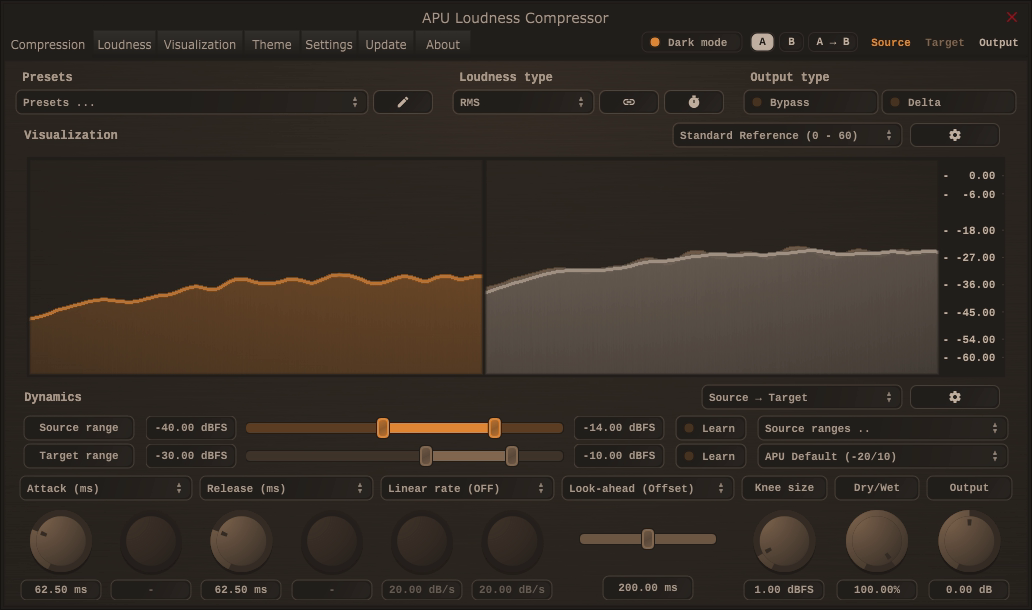
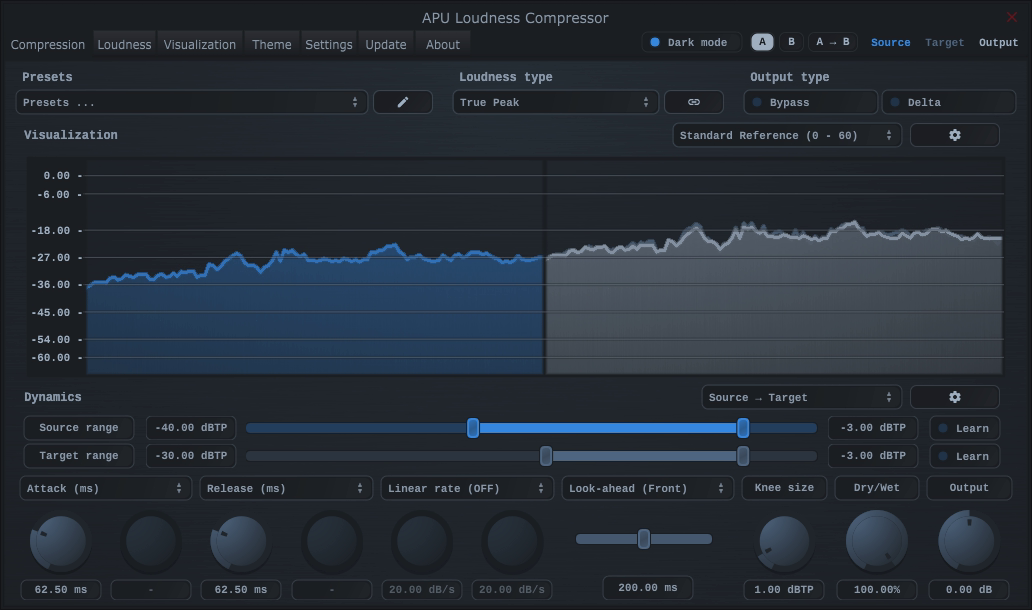
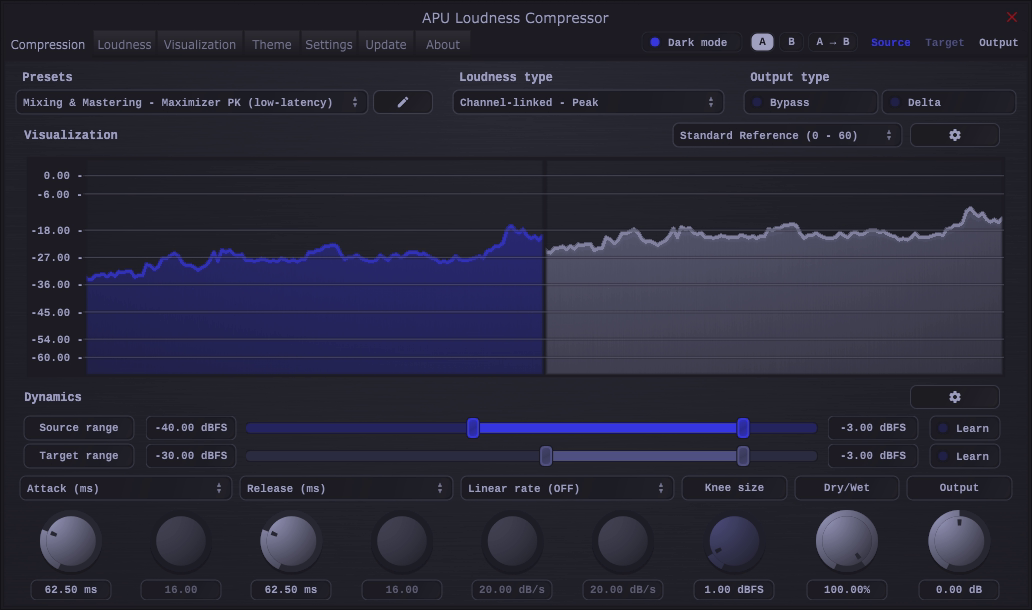
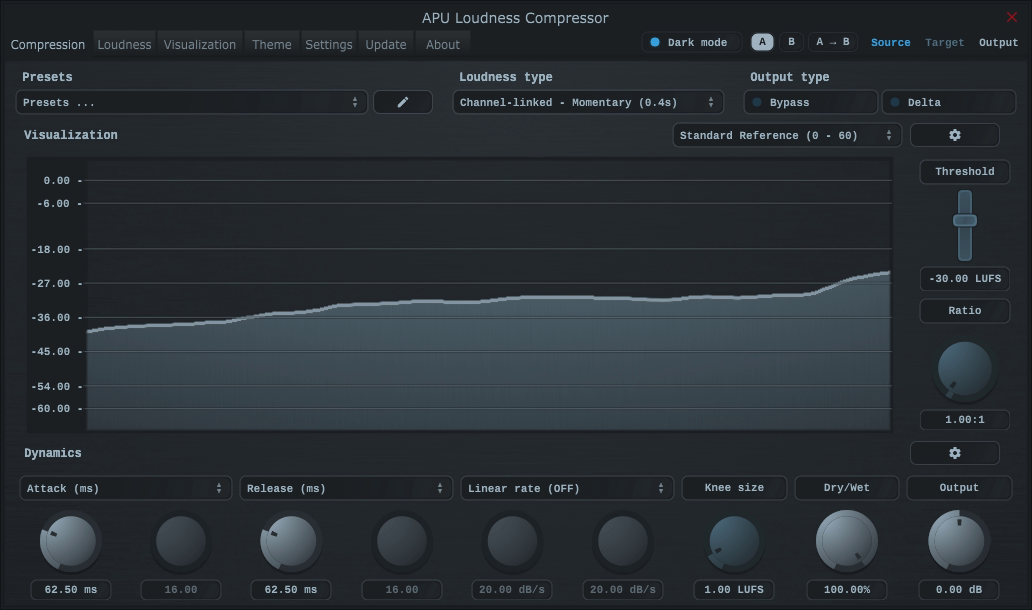
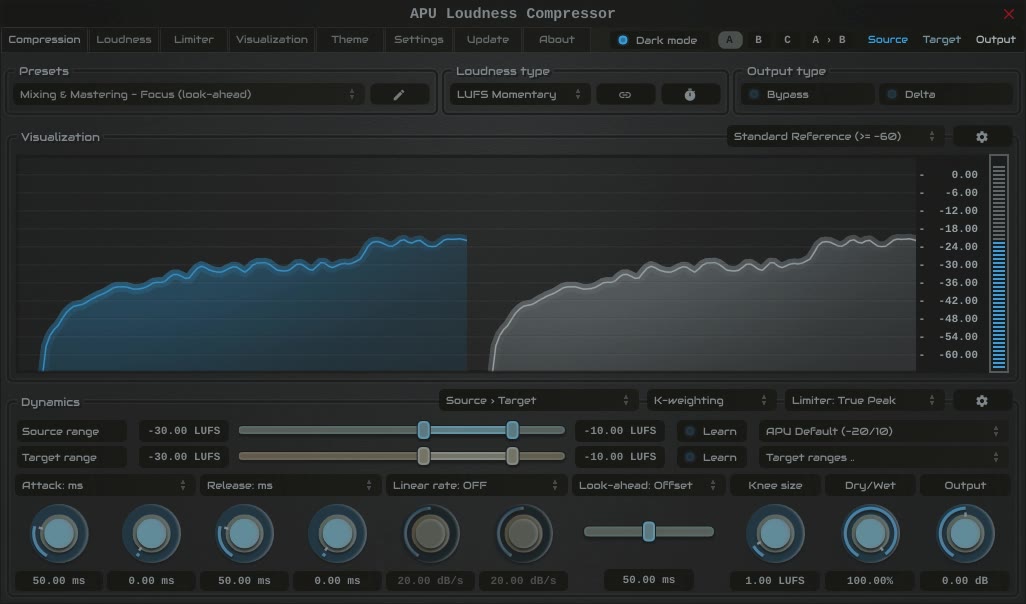
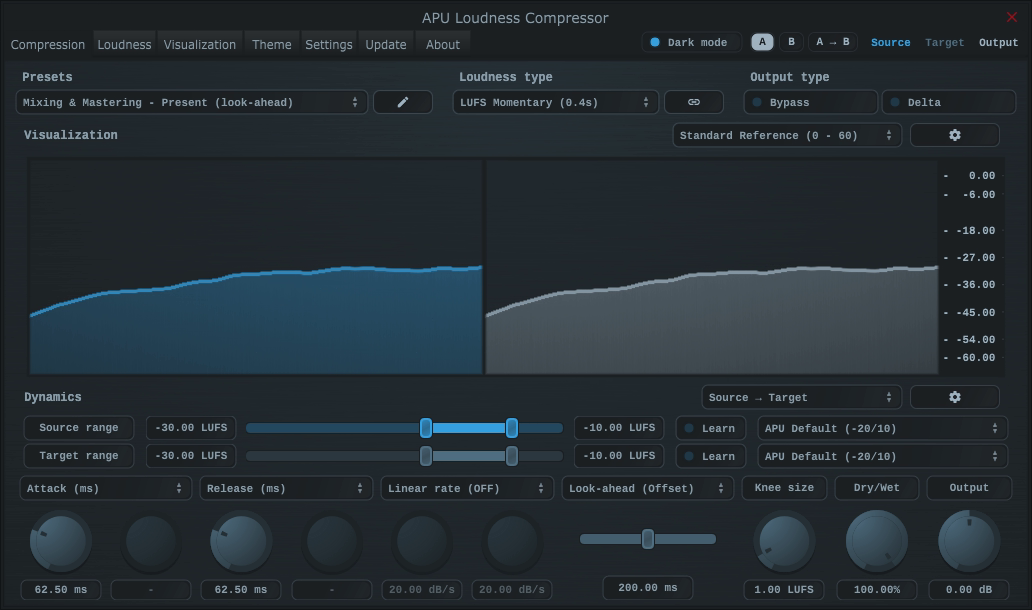
APU Loudness Compressor interface
APU Loudness Compressor demonstration
Fall Sale: 25% Off automatically applied at checkout.

APU Loudness Compressor helps bring uneven vocals, bass parts, and mixes under control. Use compression to reduce differences in level, or expansion to give a track more dynamic range. With LUFS detection, gain changes follow measured loudness rather than just signal peaks. RMS, Peak, and True Peak detection are also available.

I started APU Software because I wanted a compressor with LUFS built directly into its detector. The Loudness Compressor grew out of that idea, and I’ve continued adding features since then.

For a closer look at how it sounds and works, here are two independent reviews:

Fall Sale
Download (30-day Trial)

Note: Existing customers can apply their loyalty discount at the cart page.
System requirements: macOS 10.14 (x64, ARM), Windows 10 (x86, x64), OpenGL 3.2.
Supported software formats: Standalone application, VST, AU, AAX (Pro Tools 11+).
Loudness Types

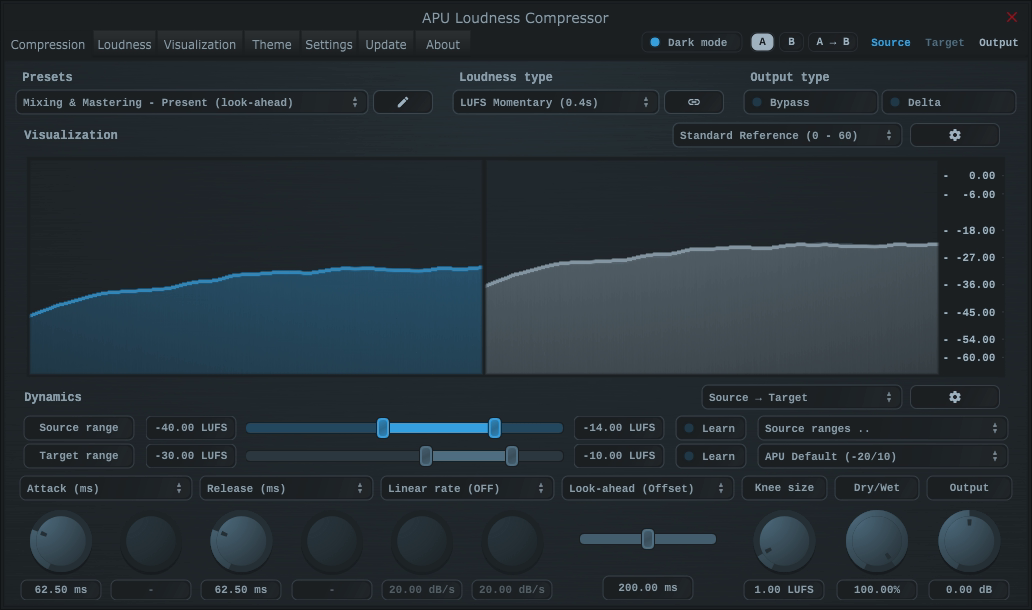
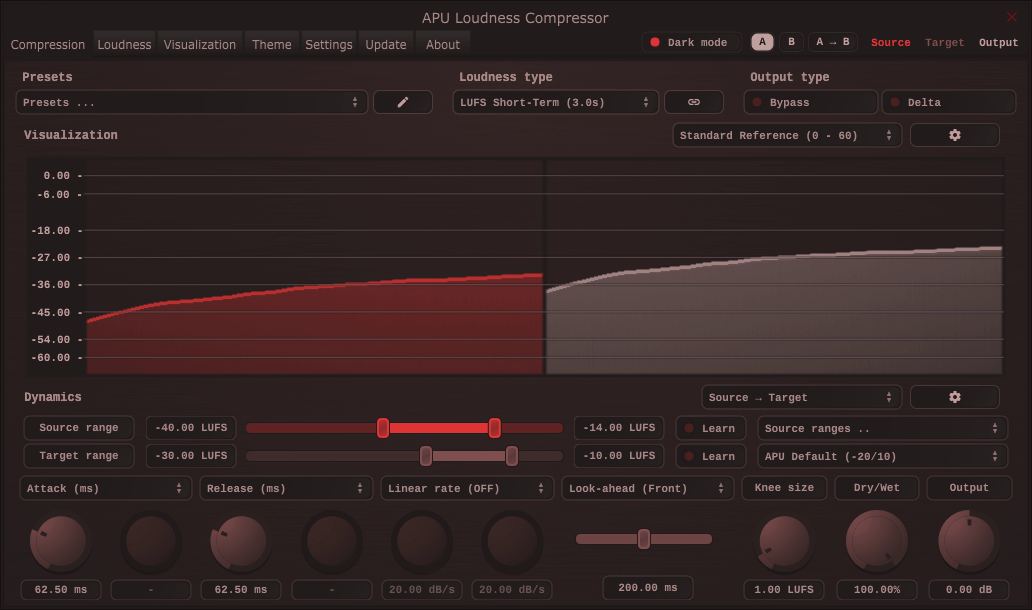
Choose the measurement that drives the compressor: LUFS, RMS, Peak, or True Peak. Link channels to process them together, or split them for independent processing.

Momentary

Momentary measures loudness over a 400 ms window with K-weighting and channel weighting. It follows shorter changes in level and is the compressor’s default measurement.

Momentary LUFSView full size

Short-Term

Short-Term measures loudness over a 3-second window, following longer changes in level. It uses the same K-weighting and channel weighting as Momentary.

Short-Term LUFSView full size

Integrated

Integrated measures loudness over the measurement run, using K-weighting, channel weighting, and relative and absolute gating. Use it when you want compression to follow the accumulated loudness measurement.

Integrated LUFSView full size

RMS

RMS measures signal level over an adjustable window, set to 150 ms by default. It does not apply K-weighting or channel weighting.

RMSView full size

True Peak

True Peak estimates peaks between samples as well as sample peaks. It uses the configured block interval, which is 1 ms by default, for a fast detector response.

True PeakView full size

Peak

Peak measures sample peaks over the configured block interval, which is 1 ms by default. It does not estimate peaks between samples.

PeakView full size

Back to top

Alternate Weighting

Alternate weighting curves change how much each frequency contributes to the detector. Use them to adjust how strongly bass, midrange, or high-frequency content drives the compressor. Measurements with alternate weighting are no longer standard LUFS measurements.

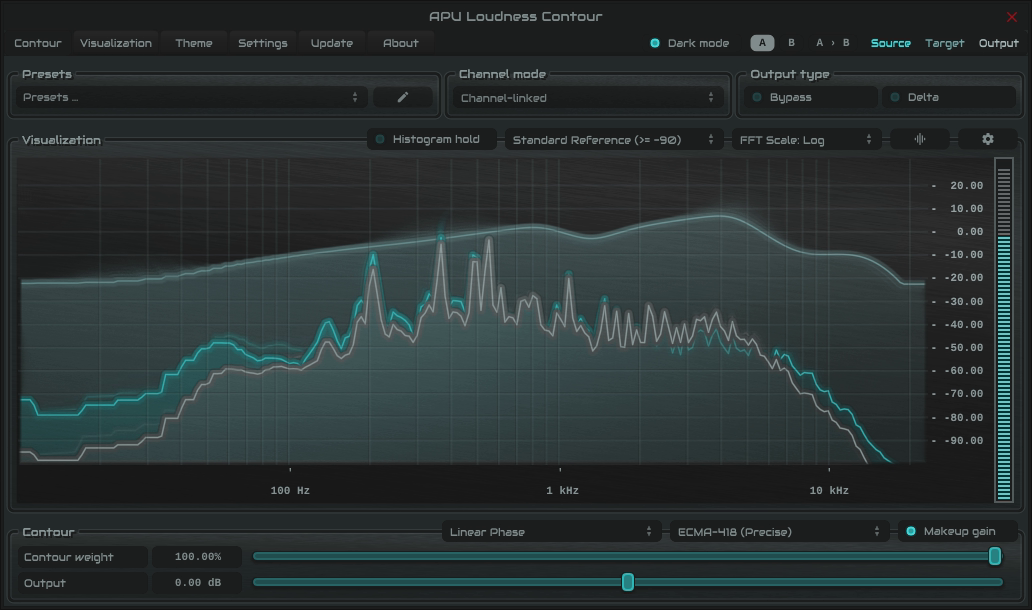
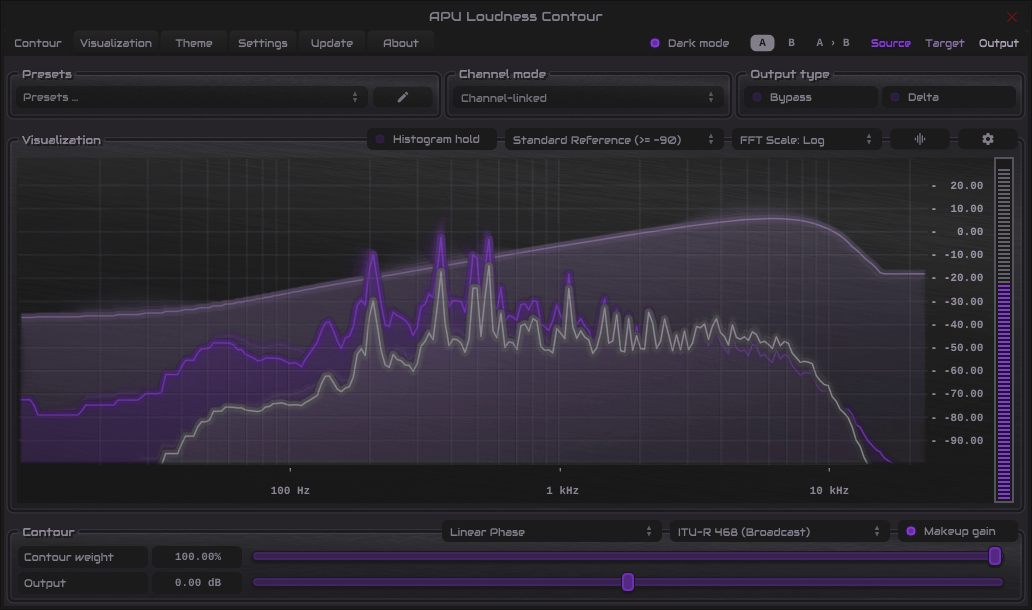
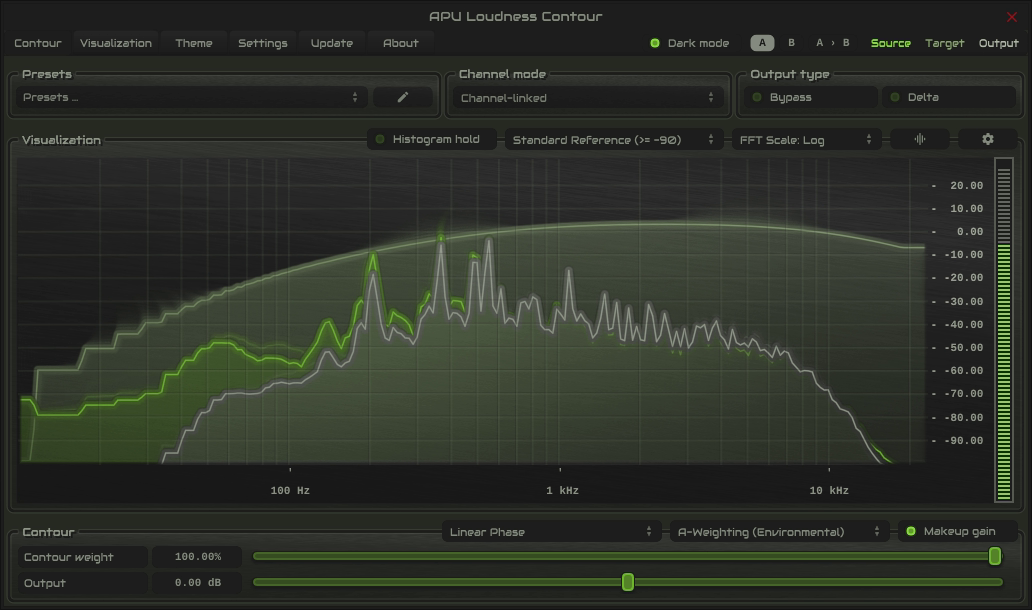
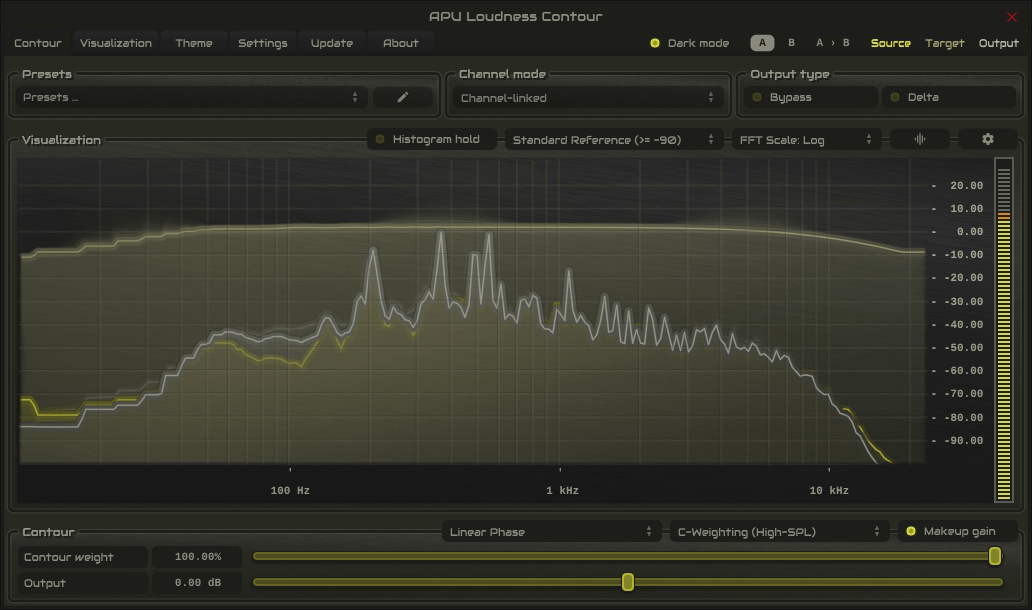
The screenshots below show the curves in Loudness Contour. The compressor applies them as zero-latency IIR filters in the detector path.

ECMA-418

ECMA-418 uses the outer- and middle-ear weighting curve from the ECMA-418-2 hearing model. It provides an alternative to K-weighting; it does not apply the standard’s full loudness model.

ECMA-418View full size

ITU-R 468

ITU-R 468 emphasizes the upper midrange, making the detector more sensitive to sibilance and other high-frequency content. Gain changes still affect the whole signal.

ITU-R 468View full size

A-weighting

A-weighting reduces the influence of low frequencies. Use it when you want bass to contribute less to compression.

A-weightingView full size

C-weighting

C-weighting is flatter than A-weighting and retains more low-frequency energy in the detector.

C-weightingView full size

Back to top

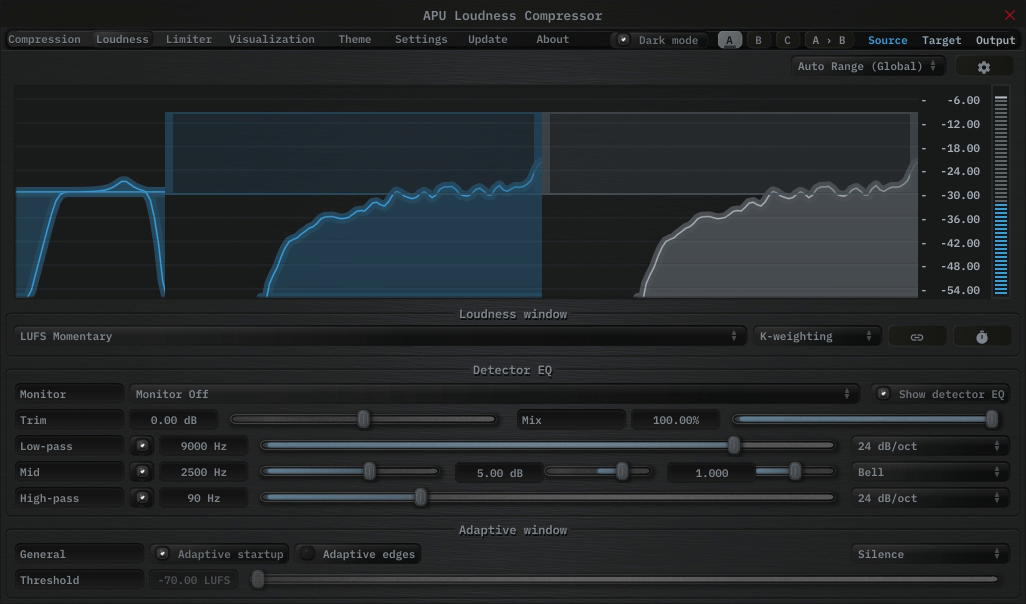
Detector EQ

Detector EQ shapes the signal used for loudness detection. Emphasize a frequency range to make it drive more of the compression, or reduce low frequencies so rumble has less influence.

Note: The EQ isn't applied directly to the output, but it changes the compressor's gain response. Enable detector EQ monitor to hear the filtered detector signal.

  • Low-pass and high-pass filters with selectable slopes
  • Parametric mid band with bell, shelf, or band-pass shapes
  • Trim and mix controls for gain and blend
  • Monitor modes to audition the detector path
Detector EQView full size

Back to top

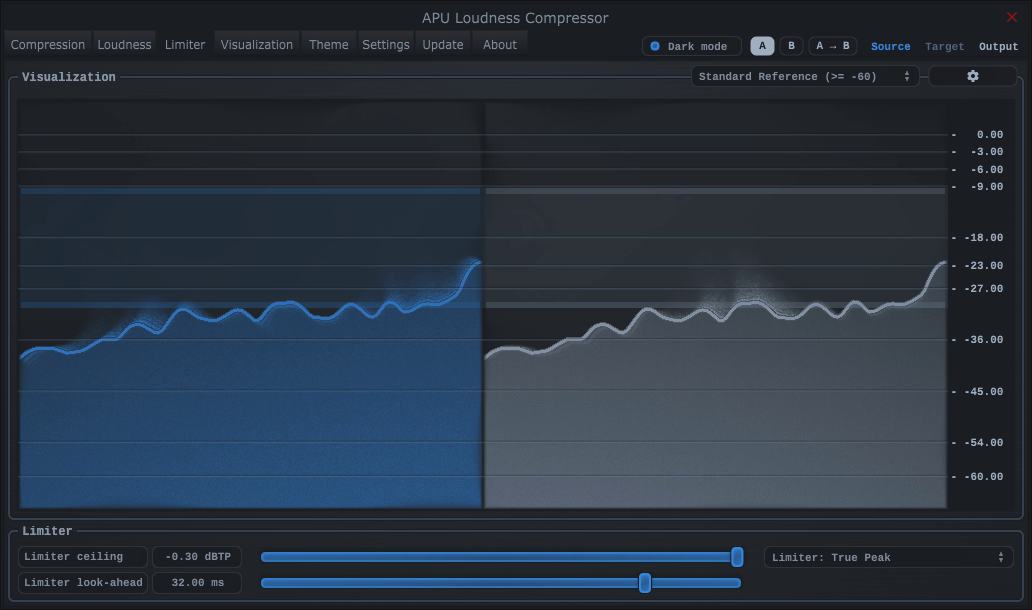
Limiter

The built-in limiter uses look-ahead to constrain the compressor’s gain changes and control output peaks. Choose Peak or True Peak detection and set the output ceiling.

The same tab can learn a fixed gain correction from Average or Integrated output loudness. Set the target, play a representative pass with Learn active, then Lock the result. The correction is applied before the limiter.

LimiterView full size

Back to top

Dynamic Types

Alongside “Source › Target” mode, you can choose downward compression, upward compression, downward expansion, upward expansion, or soft limiting. Select the mode from the drop-down above the “Dry/Wet” dial.

APU Loudness Compressor downward compression demonstration

Back to top

Credits

Developed by APU Software, LLC with the following libraries:

Demo video song credits:

  • Annasara - A Lifetime Rolls By, licensed via Audiio.

VST compatible ASIO compatible

Back to top

Actual size

Shown at its native size. Swipe or scroll to explore the full interface.